
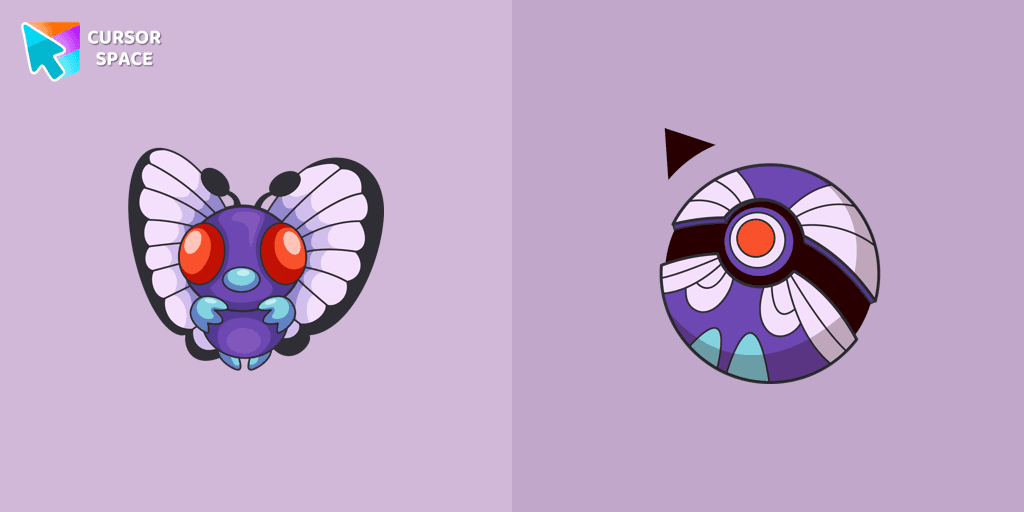
Butterfree cursor
0Free
Butterfree custom cursor for the mouse in a Pokémon cursor collection for Chrome.
Browse our full collection of custom cursors. Find your next favorite style and install it for free.
Butterfree custom cursor for the mouse in a Pokémon cursor collection for Chrome.
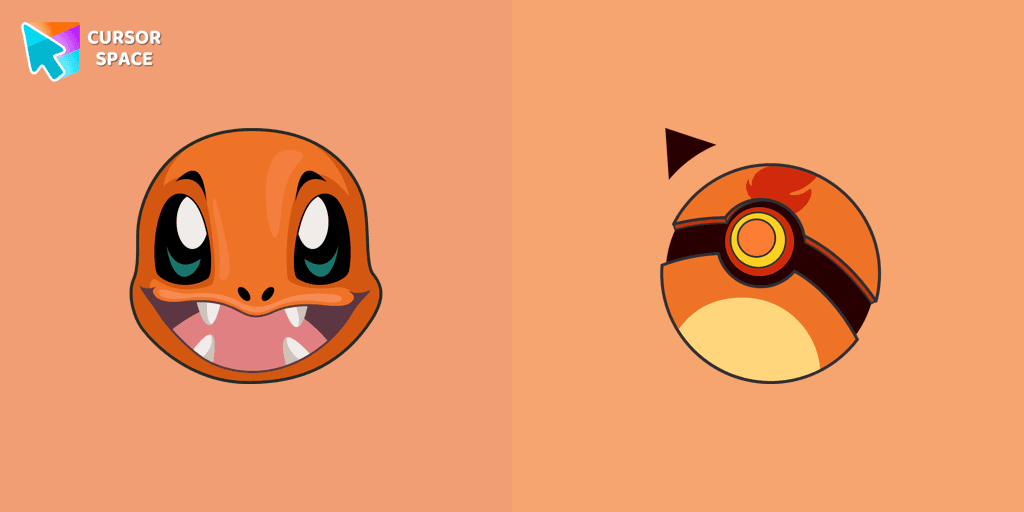
Charmander custom cursor from our Pokémon cursors collection for mouse and pointer.

Sullen broccoli as a mouse cursor and a hover pointer with a funny carrot.

The Kawaii custom cursors collection for Chrome will be the best suite for all fans of the culture of cuteness kawaii.
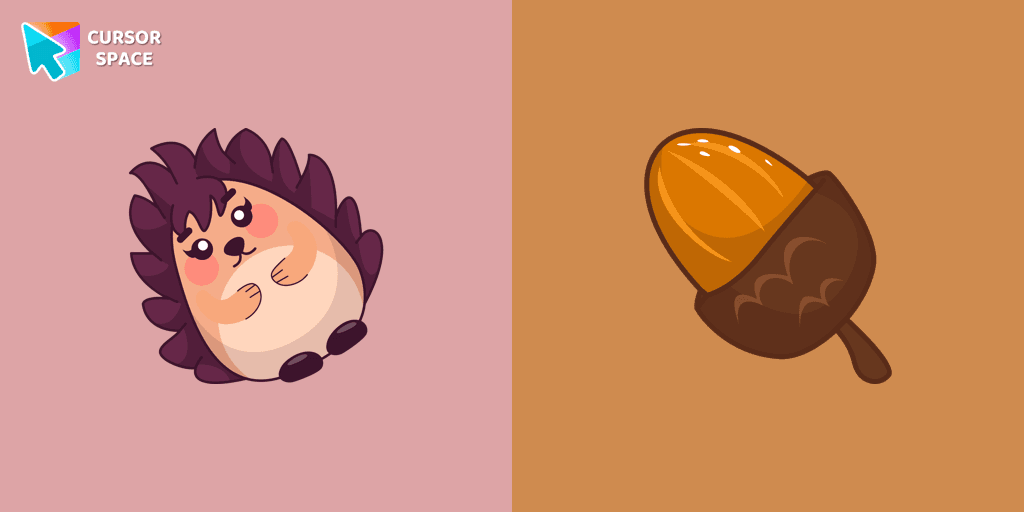
Kawaii Hedgehog cute cursor for a mouse and acorn hover comes together with the custom cursor with Kawaii Hedgehog.
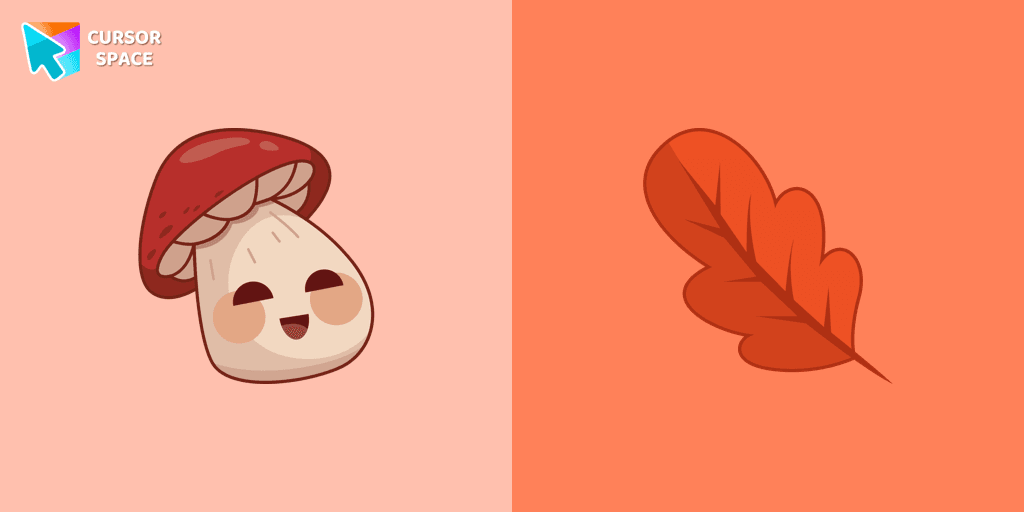
There is a custom cursor with a Porcini and oakleaf as a hover in a set of kawaii cursors for Chrome.

Add a Baby Sloth cute cursor from our custom cursors collection for mouse and pointer in kawaii design.

Friendly Brain as a custom cursor for the mouse and a cute pointer will look pretty nice on your screen.

The Kawaii custom cursors collection for chrome in your browser!

The incredible Kawaii cursor collection for Chrome will be the best set for all Kawaii fans.
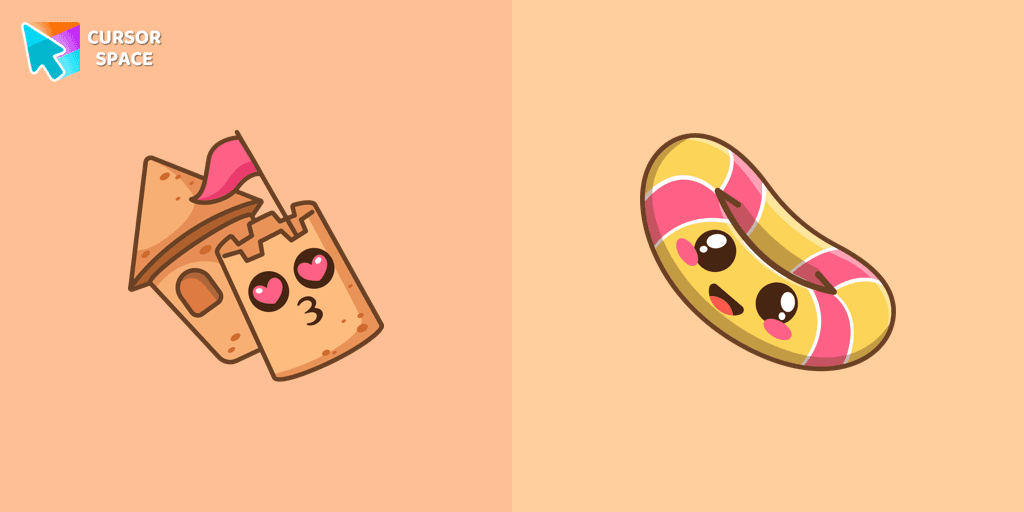
Sand castle pointer for mouse and a funny rubber ring cursor that was created in Japanese Kawaii style for our custom cursor collection.

Cute Popcorn and Corn cursor in our adorable custom cursors collection with Kawaii.

Funny Poo pointer for mouse and a funny paper cursor that was created in Japanese kawaii style.
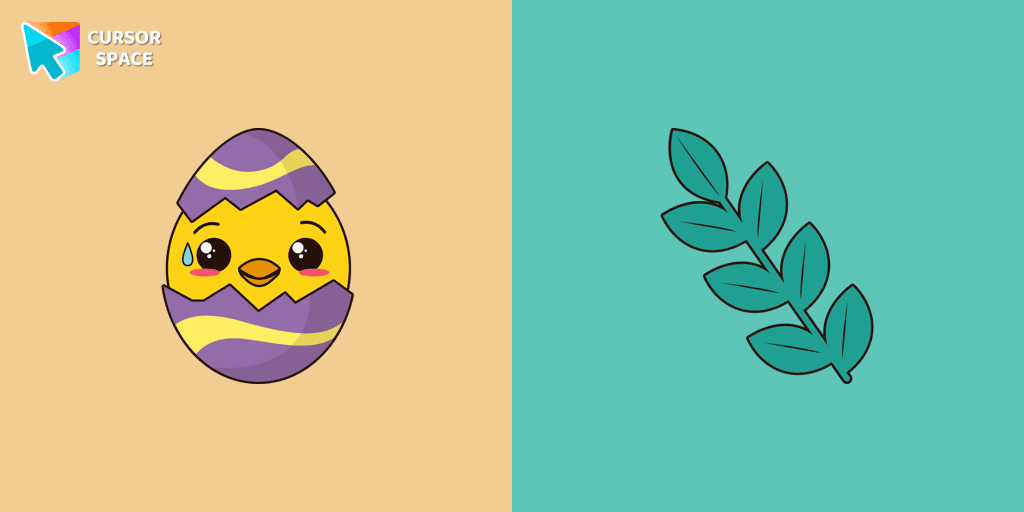
The well-designed Сhick cursor will change your default mouse pointer with a real darlingness from our Kawaii custom cursors collection for Chrome.
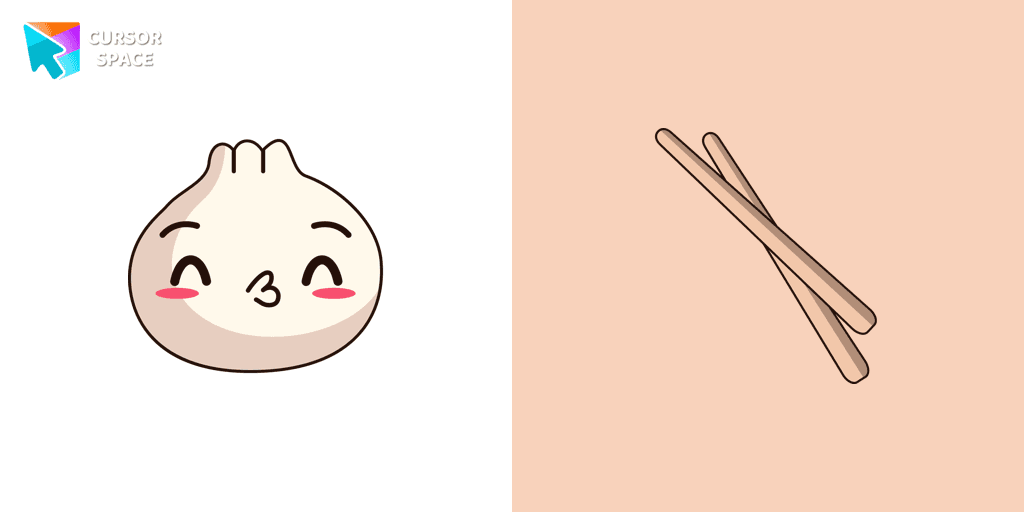
The well-designed Dumpling cursor will change your default mouse pointer with a real darlingness from our Kawaii custom cursors collection for Chrome.
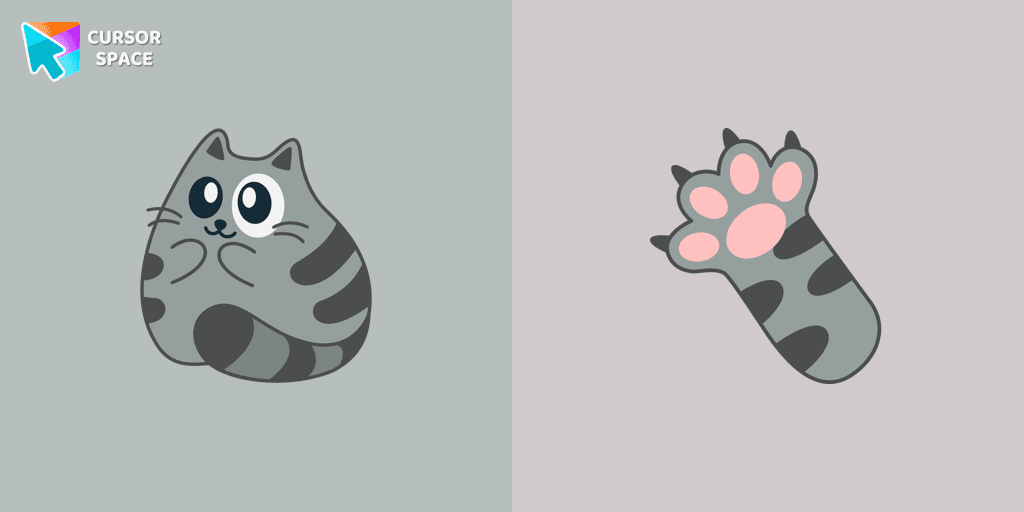
There is a custom cursor with a cat's paw and a Grey Cat as a hover in a set of Kawaii cursors for Chrome.
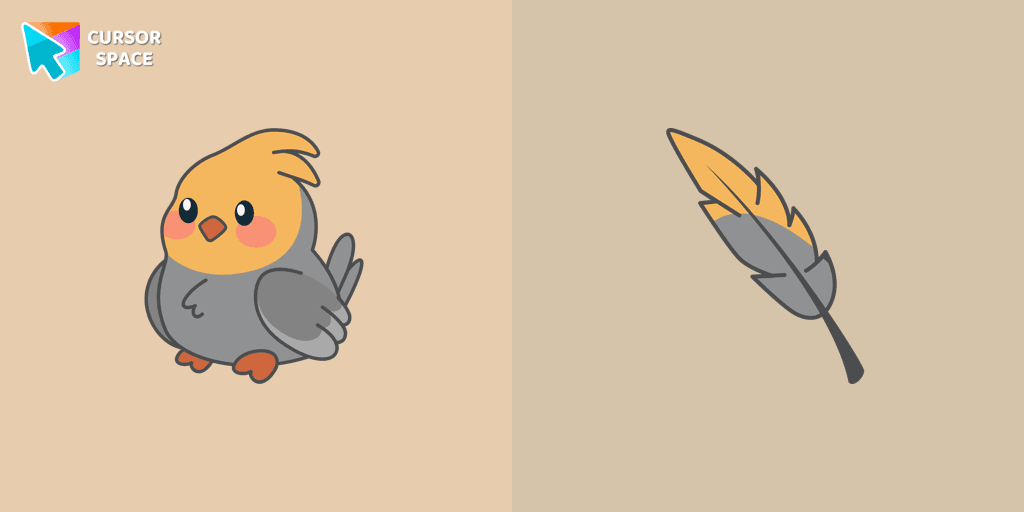
Install the Cockatiel cursor from our Kawaii custom cursor collection to feel a smile every time while browsing the web.

For fans of shrimp beer, our Kawaii custom cursors collection for Chrome has a suitable custom cursor.

Cursor Space packs include curated cursor sets for everyday browsing: cute, minimal, anime, neon, pixel art, and more. Each pack comes with multiple cursor states (like default and pointer) and can be added to your browser in seconds.
Fresh picks based on what people install most often.
Browse themed sets grouped by vibe and aesthetic.
See weekly, monthly, and all‑time leaders.
Quick answers to common questions about cursor packs, collections, and installation.
Most cursor packs on Cursor Space are free to browse and install. Some packs may be marked premium depending on licensing. The Cursor Space browser extension is free to install from the Chrome Web Store.
Yes. Install the Cursor Space extension for Chromium-based browsers (Chrome, Edge, Brave), open a pack page, and click install/apply. The extension applies the cursor set across your browser.
Open the pack page, click the install or add button, install the Cursor Space extension if prompted, then apply the pack from the extension popup. Your new cursor appears immediately.
Yes. Open the Cursor Space extension, choose another pack, or restore the default system cursor from the extension settings.
Cursor Space is distributed via the Chrome Web Store and Edge Add-ons. Keep the extension updated, and only install packs from trusted catalog pages on this site.